
Its own volume control
Turn Oasis up or down without changing your Mac’s volume. Each sound also has its own level, so you can keep your mix in balance.
OASIS FOR MAC
Soft rain while you write. A river beside your next chapter. Keep a soundscape in your menu bar, with plenty of room left for what you’re doing.
Explore Oasis for MacAvailable on the Mac App Store

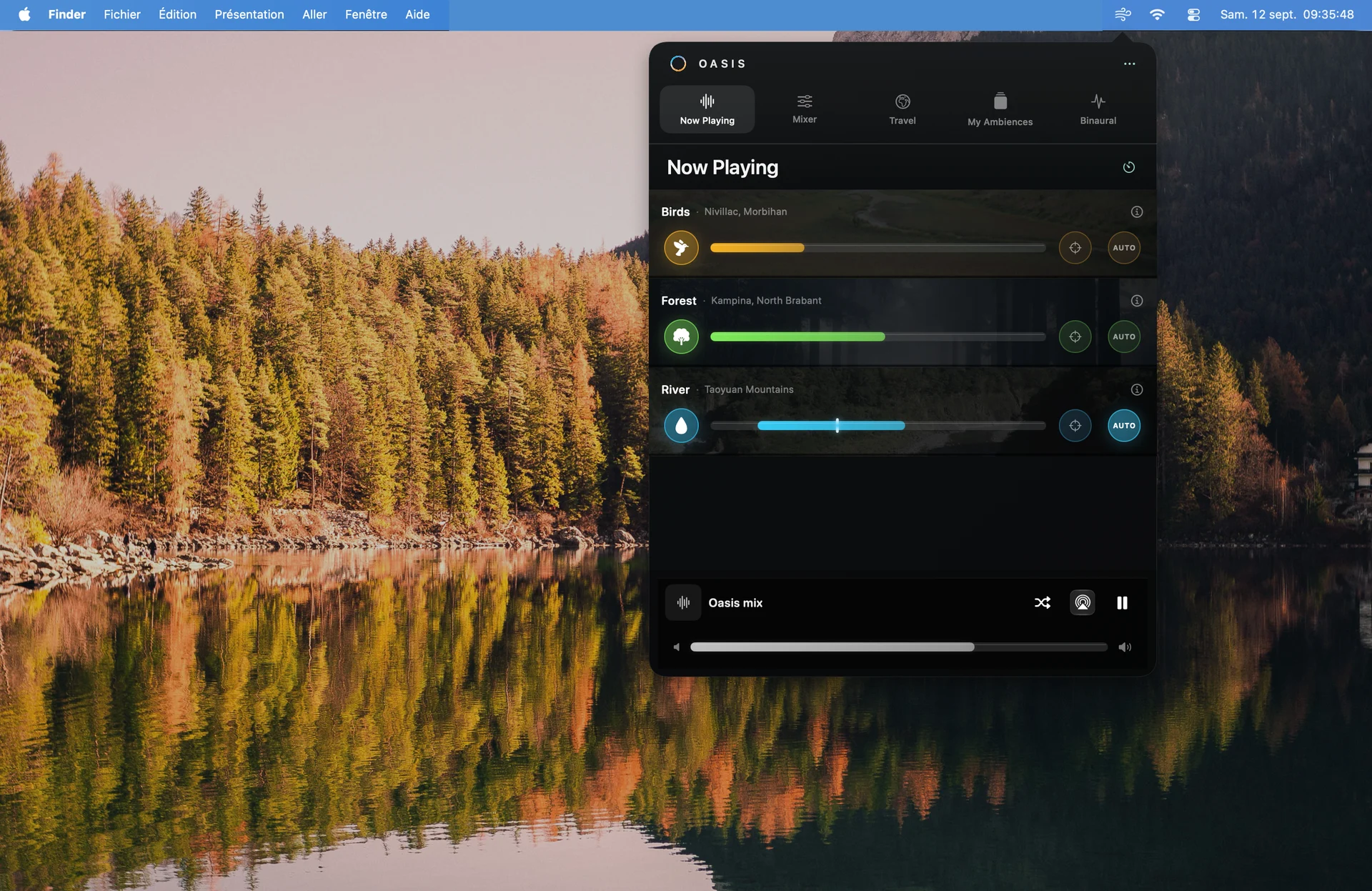
Oasis lives in your menu bar. Open the panel to change a sound, fine-tune your mix or start a saved soundscape. Close it and get back to your work while the sounds keep playing.
Turn Oasis up or down without changing your Mac’s volume. Each sound also has its own level, so you can keep your mix in balance.
AUTO gently varies a sound’s level between the limits you set. Spatial placement lets you arrange the sounds around you.
Set a timer and let your mix gradually fade out. Give a listening session or a quiet break a natural end.
The same Oasis. Made for your Mac.
Bring together birds, rain, a forest or a river. Adjust each level, placement and automatic variation from a single panel.
Actual screenshots of the macOS app.
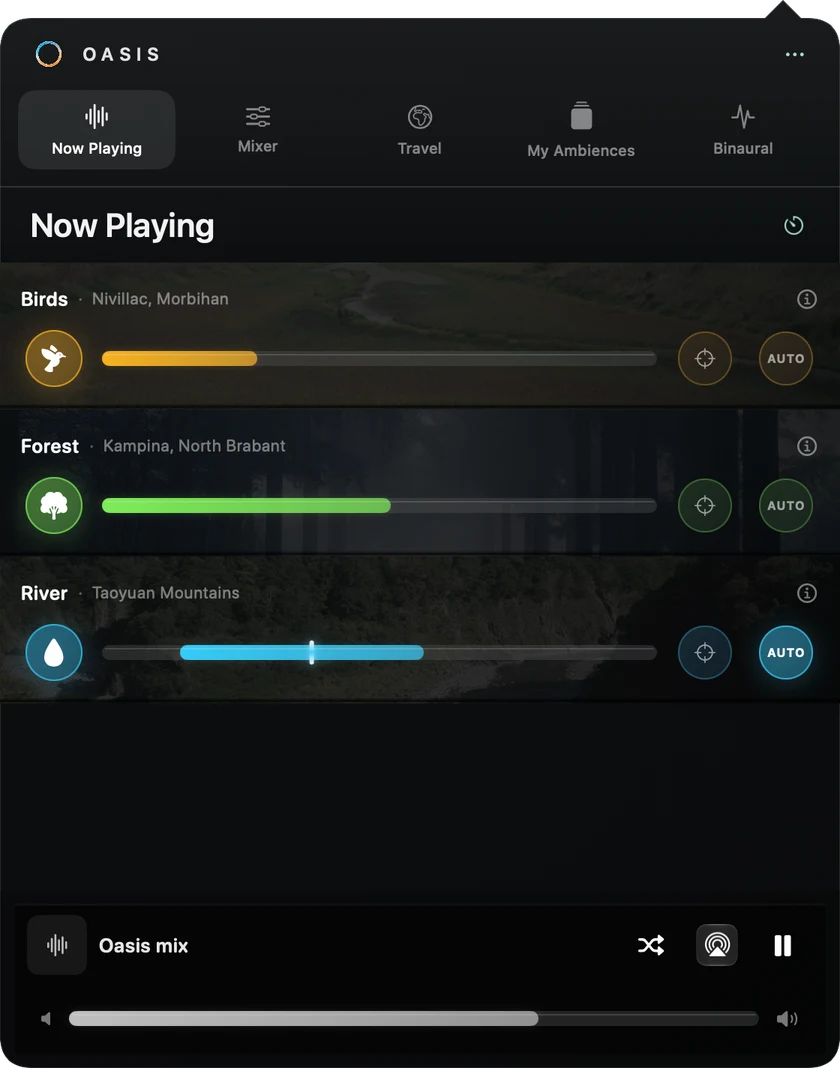
Nature, background noise and binaural
Explore 64 field recordings, six generated noises and four binaural modes. Stream recordings to find your favourites, then download the ones you want to keep for offline listening.
Mac + iPhone
The same Oasis, shaped for each screen. The Mac app lets you restore the Oasis access linked to your Apple Account, through a subscription or the Oasis Infinite lifetime purchase.
Saved mixes and downloaded recordings stay on each device. They do not sync automatically between your Mac and iPhone.
Available now on iPhone


Yes. Oasis is available on the Mac App Store and on iPhone. The screenshots here show the actual Mac app.
Oasis for Mac requires macOS 15 or later. It is built for both Intel Macs and Macs with Apple Silicon.
Look for the Oasis icon in your macOS menu bar. Its panel brings together playback, the Mixer, Travel, soundscapes and binaural modes. There is no main window to keep open on your desktop.
No. The overall volume slider only changes Oasis. You can turn down a soundscape without changing the system volume or the level of other apps.
Oasis access is linked to your Apple Account. On your Mac, restore your active subscription or Oasis Infinite lifetime purchase with the same account. Saved soundscapes remain local to each device.
Yes, once you have downloaded the recordings you want on your Mac. Streaming alone does not save a complete file for offline use. Generated sounds, including white and brown noise, need no audio download.
Binaural modes need stereo headphones. Nature sounds can also play through your Mac’s speakers. Oasis does not guarantee an improvement in sleep or focus.
OASIS macOS
Available on the Mac App Store for Macs running macOS 15 or later.
Questions? Get in touch